Save your sticker in My designs
Keep stickers to finish or order later.
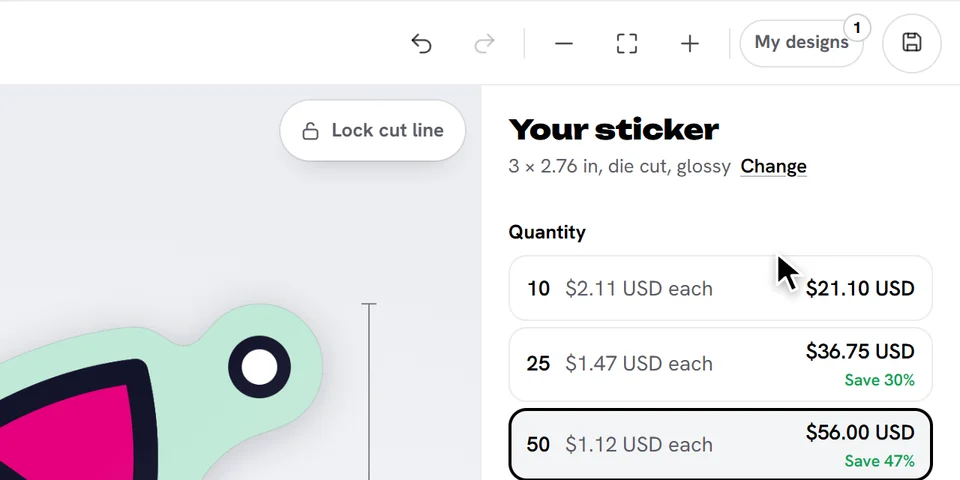
Tap Save at the right of the top bar (or press Ctrl+S, Cmd+S on a Mac). A small magenta dot on it means there are changes that aren't saved yet.
Open My designs to see your saved stickers, newest first. Tap one to open it in the designer: saving again updates it.
Good to know
- My designs are kept on this device and browser. They aren't sent anywhere until you add a sticker to your cart.
- My designs keeps up to 5 stickers, or 50 when you're signed in. Delete one to make room.
- Adding a sticker to your cart saves it too.
Ready to try it?
Open the designer