Erase part of a picture
Wipe off a stray bit and the cut line follows.
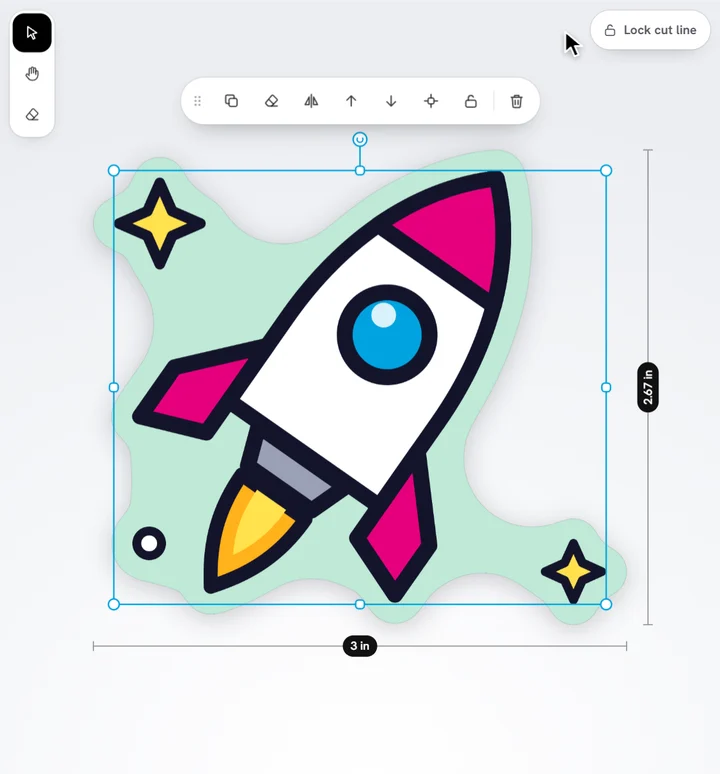
- Select the picture, then tap the eraser in the stage's corner (or press E).
- Set its Size in the bar along the top of the stage.
- Drag over what you want to remove.
- Tap Done.
The cut line follows what's left. Each stroke is one step of Undo. The eraser puts itself away as soon as you do something else (add text or a picture, open another panel, change an option), so you're back to selecting and moving.
Ready to try it?
Open the designer