Change the size and proportions
Set the width and height, together or each on its own.
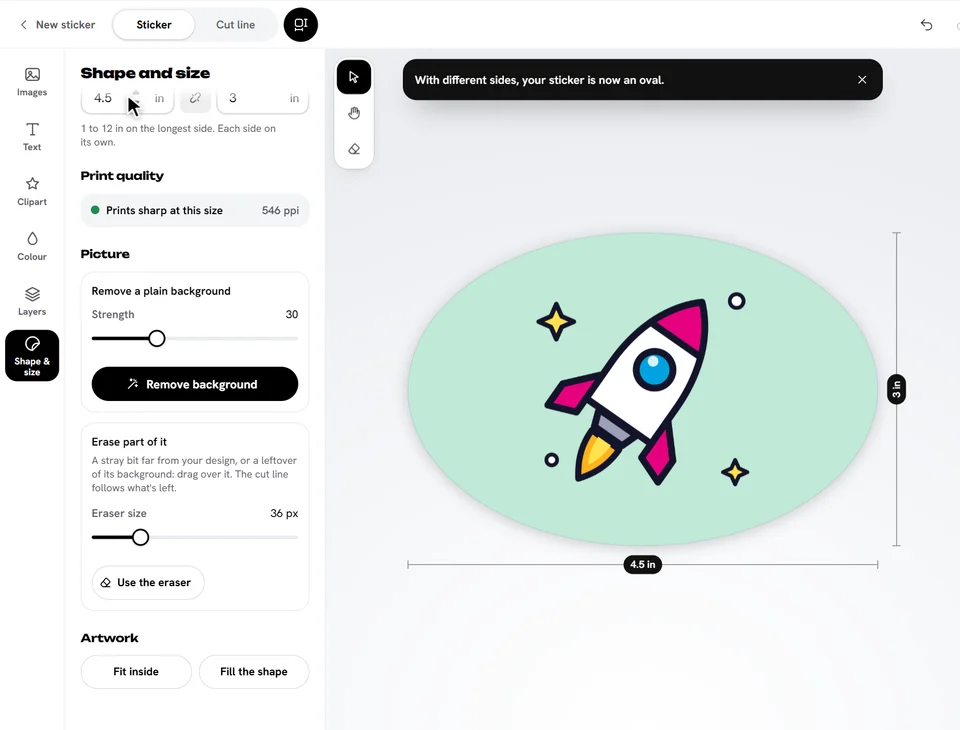
- Open Shape & size.
- Tap a popular size, or type the Width or Height. Switch between in and cm next to the title.
Keep the proportions, or not
The small chain between Width and Height keeps them in proportion: type one and the other follows. Tap it to break the chain and set each side on its own.
- A die cut sticker: your design stretches to fit.
- A square with two different sides becomes a rectangle, and a circle an oval. Other shapes stretch.
Ready to try it?
Open the designer