How the designer works
Four steps from an idea to stickers at your door.
The designer lets you make your own vinyl sticker, see its price as you go and order it in a few minutes. No account and no design skills needed.
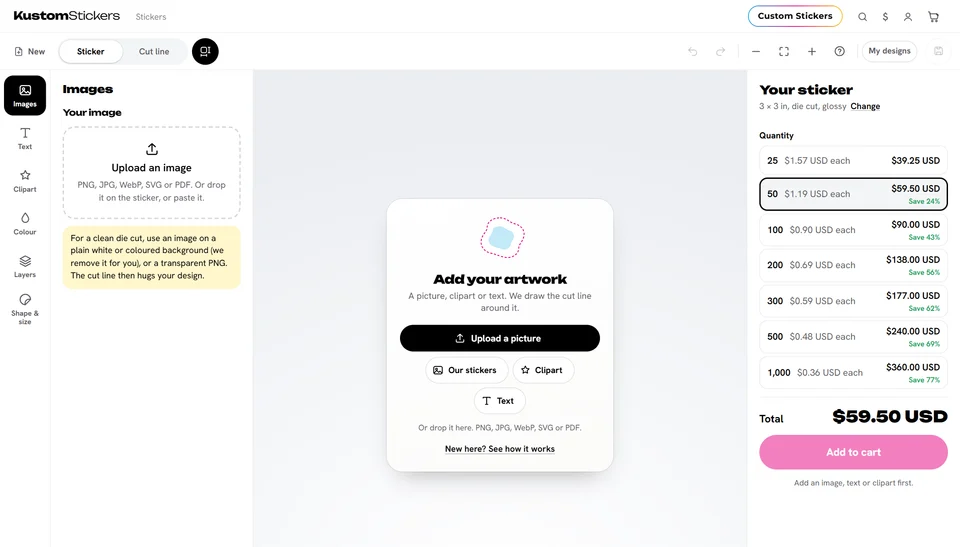
- Pick a shape. A die cut sticker is cut around your design. The others are classic shapes: circle, square, star, heart and more.
- Pick a size. Tap a popular size or type another one: a width from 1 in to 12 in, and for a rectangle or an oval a height too if you like.
- Add your artwork. Upload a picture or a PDF, or add text, clipart and shapes. Move, resize and turn them until it looks right.
- Add to cart. Pick how many you want (the more you order, the less each costs) and check out.
Your sticker is kept on your device while you work, so a reload or a closed tab doesn't lose it. Save it in My designs to come back to it later.
Ready to try it?
Open the designer