Cut out holes with inside cuts
Cut out the middle of a donut or the space between parts.
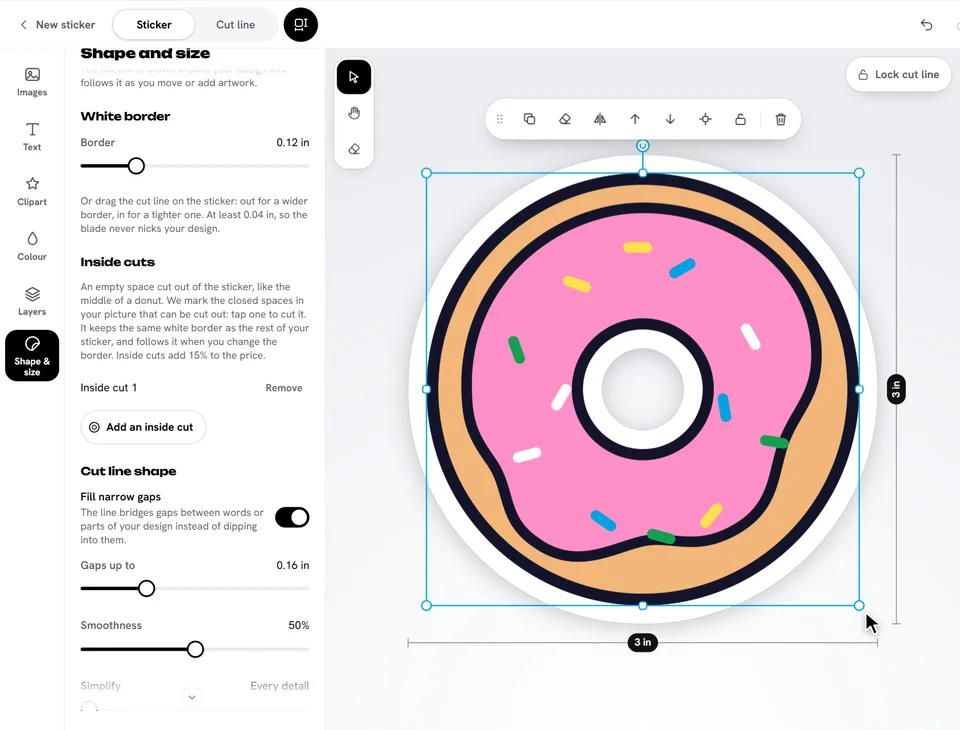
An inside cut is an empty space cut out of a die cut sticker, like the middle of a donut. It keeps the same white border as the rest of your sticker.
- Select the picture.
- Open Shape & size and tap Add an inside cut under Inside cuts.
- The spaces that can be cut out show in magenta. Tap one to cut it out.
Your inside cuts are listed under Inside cuts: Remove takes one out, Remove all takes them all out.
Ready to try it?
Open the designer