Designer help
Every feature of the sticker designer, explained in a few lines and shown in motion.
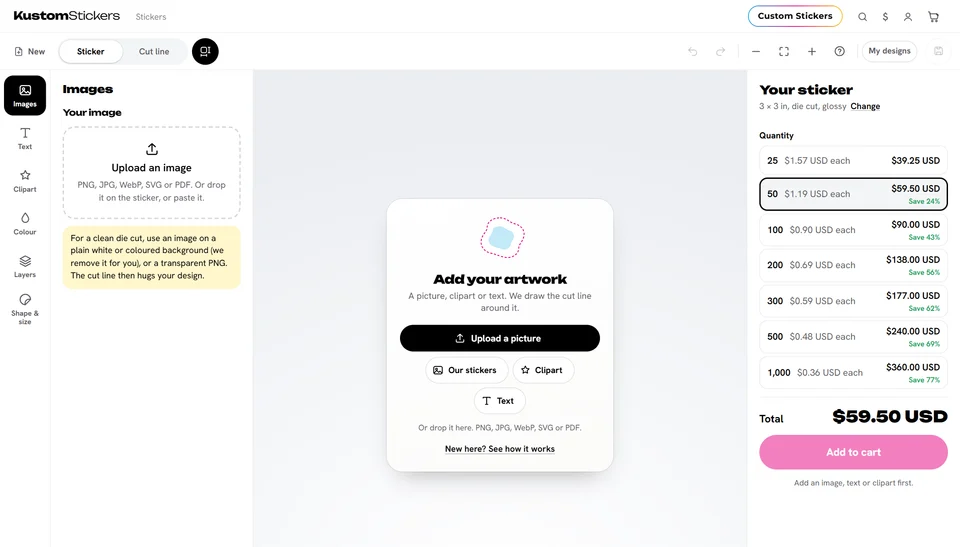
Your sticker in four steps
- Pick a shape and a size
Die cut, circle, star, heart and more, in any size.
- Add your artwork
Upload a picture or a PDF. We cut around it.
- Make it yours
Add text and clipart, pick colours, set the border.
- Add to cart
The more you order, the less each sticker costs.
Browse by topic
Getting started
Shapes, sizes and a tour of the designer.
Adding artwork
Pictures, PDFs, text, clipart and shapes.
Arranging your design
Move, resize, turn, layers and selections.
Shape, size and cut line
Borders, backgrounds, the cut line and inside cuts.
Colour and print quality
The sticker's colour, its finish and sharp prints.
Saving and ordering
My designs, the cart and ordering again.
Shortcuts and tips
Keyboard shortcuts, phones and the best results.